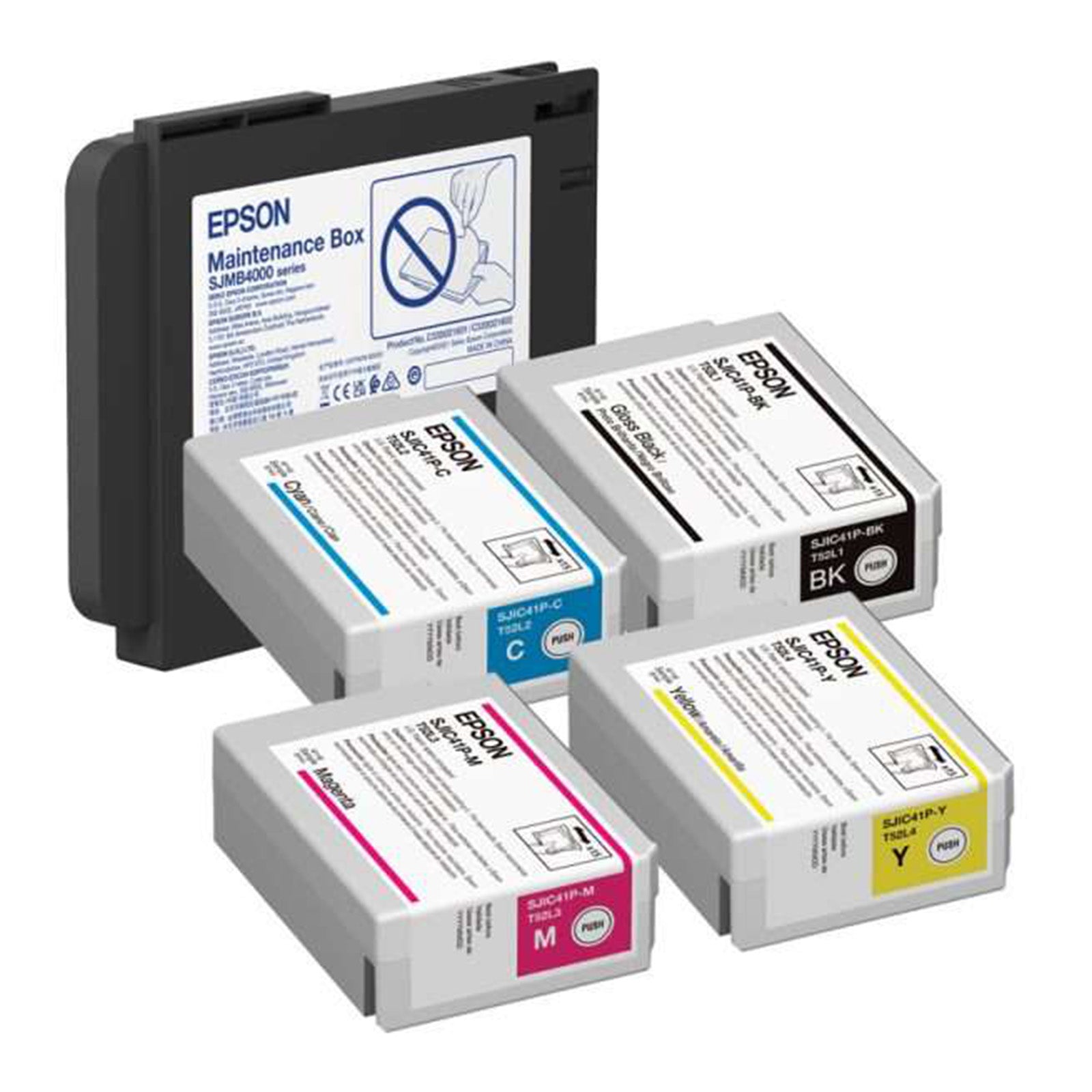
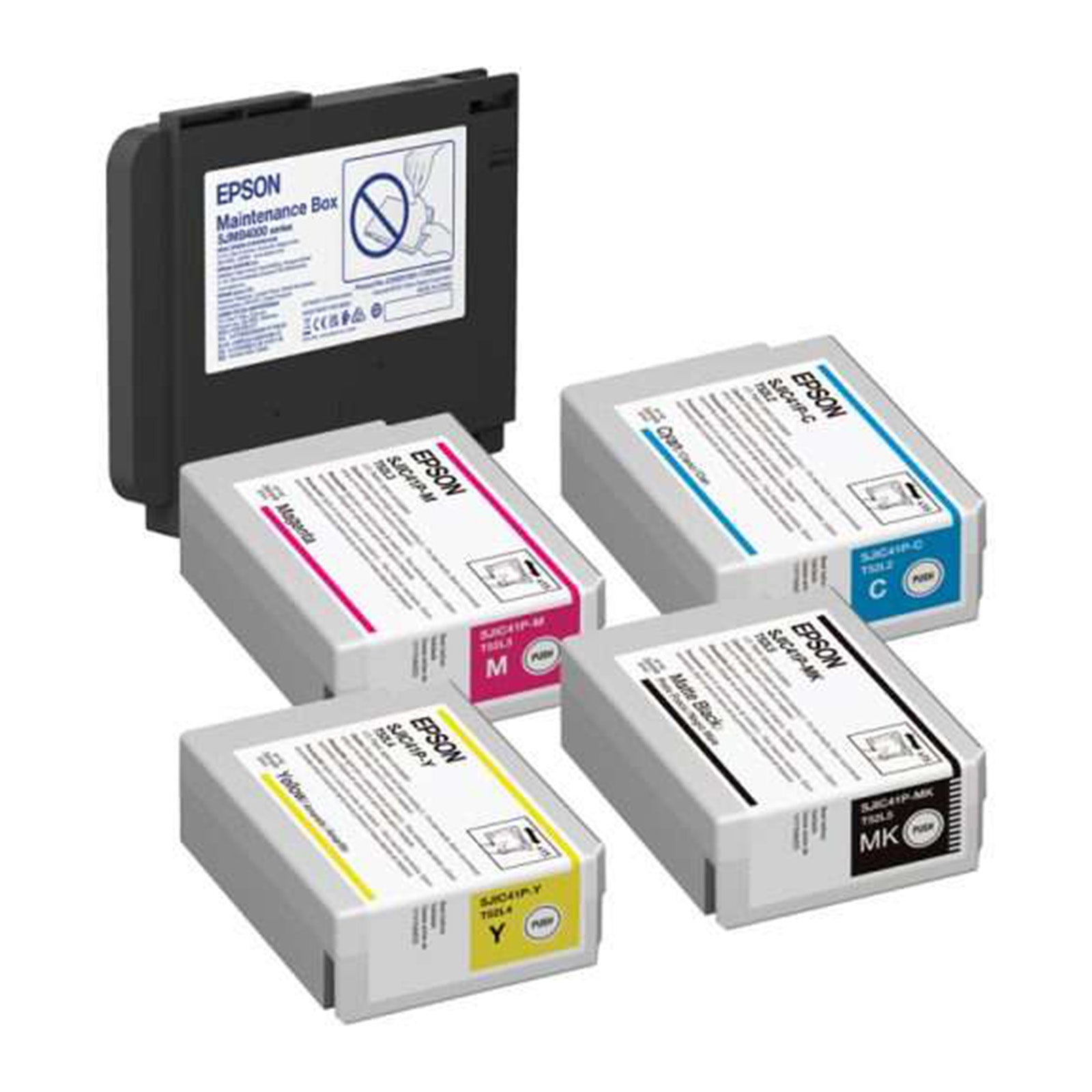
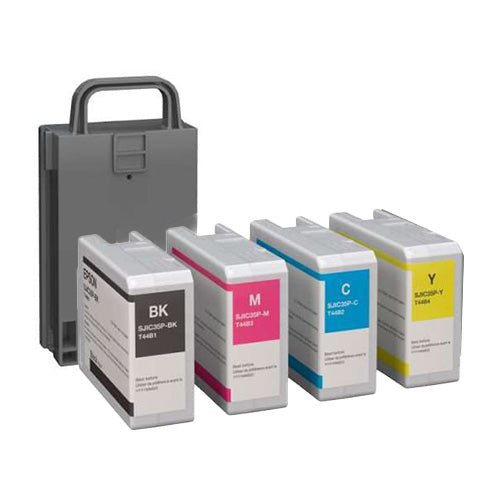


When you're printing blank label rolls for professional applications, the quality of your black ink matters more than you might think.
A crisp, deep black makes the difference between labels that look professional and those that appear washed out or inconsistent. But here's what most businesses don't realize: there are actually two distinct methods for producing black on your labels, and choosing the wrong one can compromise your entire print run.
Whether you're running an Epson ColorWorks printer or another commercial label system, understanding true black versus composite black is essential for achieving consistently professional results on your blank label rolls.
What Is True Black?
True black is the purest form of black in digital printing. It's created using only the black ink cartridge in your printer: no other colors involved.
In CMYK terms, true black equals 0% Cyan, 0% Magenta, 0% Yellow, and 100% Black (K). This straightforward approach delivers a deep, rich black color while consuming minimal ink resources.

Advantages of True Black
True black offers several compelling benefits:
- Lower ink consumption : uses only one cartridge instead of four
- Faster drying times : less ink on the substrate means quicker turnaround
- Sharper text reproduction : ideal for small fonts and fine details
- Better registration : eliminates color misalignment issues on intricate designs
- Cost-effective printing : significantly reduces per-label printing costs
The tradeoff? True black can sometimes appear slightly flat or even wash out to a dark gray on certain substrates, particularly bright white label stock. It lacks the depth and saturation that some premium applications demand.
What Is Composite Black?
Composite black takes a different approach. Instead of relying solely on black ink, it combines Cyan, Magenta, Yellow, and Black (CMYK) to simulate an even darker, more saturated black appearance.
A standard composite black formula might include 40% Cyan, 40% Magenta, 40% Yellow, and 100% Black, though variations exist depending on your specific printing requirements and color profiles.
Advantages of Composite Black
Composite black delivers visual impact:
- Richer, deeper appearance : creates a more saturated black that appears more professional
- Warmer or cooler tones : offers flexibility to adjust the black's color temperature
- Enhanced visual depth : particularly effective for photographs and graphics
- Premium aesthetic quality : meets customer expectations for high-end label applications
- Better coverage on challenging substrates : improves appearance on textured or colored label stock
The downside is straightforward: composite black consumes significantly more ink because it draws from all four cartridges simultaneously. This increases both material costs and drying time.

True Black vs. Composite Black: Key Differences Breakdown
| Factor | True Black | Composite Black |
|---|---|---|
| Ink Usage | Black cartridge only | All CMYK cartridges |
| Cost per Label | Lower | Higher |
| Visual Depth | Good | Excellent |
| Drying Time | Faster | Slower |
| Best For | Text, line art, barcodes | Large fills, logos, photos |
| Registration Concerns | Minimal | Requires precise alignment |
| Ink Consumption | Approximately 25% | Approximately 220% (compared to true black) |
Understanding these differences allows you to make strategic decisions that balance quality expectations with operational costs.
When to Use True Black on Your Blank Label Rolls
True black excels in specific applications where precision and cost-efficiency matter most.
Ideal Applications for True Black:
Body text and small typography : True black prevents the ink overflow and smudging that can make small characters illegible. When printing barcodes, SKU numbers, or compliance text, true black ensures optimal scannability and readability.
Thin lines and detailed design elements : Fine borders, hairlines, and intricate graphics maintain their sharpness with true black. Color registration issues that could blur or misalign your design are eliminated entirely.
High-volume label production : When you're printing thousands of blank label rolls, the ink savings from true black become substantial. This approach significantly reduces your per-label cost without sacrificing functional quality.
Agricultural and industrial applications : For warehouse labels, shipping labels, and inventory management where function trumps aesthetics, true black delivers excellent performance at the lowest cost per impression.

When to Use Composite Black on Your Labels
Composite black becomes essential when visual impact and brand presentation take priority.
Ideal Applications for Composite Black:
Large solid fills and backgrounds : When your label design includes substantial black areas: such as full backgrounds, bold headers, or prominent logos: composite black creates the deep, saturated appearance that customers expect from professional-grade labels.
Color photographs and product images : Labels featuring product photography or complex graphics benefit dramatically from composite black's enhanced depth and tonal range.
Premium brand labeling : Consumer-facing products, retail packaging, and specialty items demand the visual richness that only composite black can deliver. The difference is immediately noticeable.
Logo reproduction : Corporate logos and brand marks often require the deepest possible black to maintain brand standards and visual consistency across all marketing materials.
Configuring Black Settings on Epson ColorWorks Printers
Epson ColorWorks printers typically default to composite black because it provides greater flexibility in color reproduction across diverse applications.
However, you can easily adjust these settings through your printer driver to optimize for your specific label requirements.
How to Access Black Settings:
- Open your printer driver settings before sending your print job
- Navigate to the Color Management or Advanced Settings section
- Look for options labeled "Black Print Mode," "Composite Black," or "Pure Black"
- Select your preferred black rendering method
- Create custom profiles for different label types to streamline future printing
Experiment with both settings using your actual label stock and design files. Print test sheets and evaluate the results under your typical viewing conditions. What looks perfect on screen may appear different on your specific blank label rolls.

Best Practices for Achieving Perfect Black Every Time
Getting the black right requires attention to detail beyond simply selecting true or composite black.
Optimize Your Black Formula
For large fills and backgrounds, consider using a rich black formula such as C40/M40/Y40/K100. This delivers exceptional depth while maintaining reasonable ink consumption. Avoid pushing CMY values too high: excessive ink coverage can cause bleeding on lighter-weight label stock and potentially damage the substrate.
Match Black to Label Stock
Different label materials respond differently to ink loads. Glossy polypropylene labels can handle heavier ink coverage from composite black without issues. Matte paper labels may show bleeding or cockling with excessive ink. Always test your black settings on your actual label material before committing to a full production run.
Calibrate Your Equipment Regularly
Printer calibration ensures consistent black reproduction across different batches. Use ICC color profiles and color management tools specific to your Accessories and printer model. Recalibrate after changing label stock, replacing printheads, or experiencing any print quality issues.
Consider Application Environment
Labels destined for outdoor use, refrigeration, or exposure to moisture require careful consideration. True black may be more durable in harsh conditions because it uses less ink that could potentially smudge or run. Composite black may require additional protective coatings like lamination.
Account for Viewing Conditions
Black that looks perfect under fluorescent warehouse lighting may appear different under LED retail lighting or natural sunlight. Print samples and evaluate them in the actual environment where your labels will be used.

The Bottom Line: Strategic Black Selection
Choosing between true black and composite black isn't about finding the "best" option: it's about matching your black rendering method to your specific label application, budget constraints, and quality expectations.
For cost-sensitive, high-volume label production where text clarity and barcode readability are paramount, true black delivers unmatched efficiency. For customer-facing applications where brand presentation and visual impact matter most, composite black provides the professional depth your labels demand.
Many successful label operations use both methods strategically across different label products. Inventory labels might use true black, while retail product labels use composite black. This hybrid approach optimizes both cost and quality across your entire label portfolio.
The key is understanding your priorities and configuring your printer settings accordingly. Take time to test both options with your actual label designs and substrates. The investment in testing pays dividends through improved label quality and reduced waste from suboptimal print settings.
Ready to put this knowledge into action? Explore our complete selection of blank label rolls engineered to deliver exceptional results with both true black and composite black printing methods. Whether you need paper, polypropylene, or specialized label materials, we've got the right solution for your printing requirements.
Need help choosing the right settings for your business? Contact C4 Label Solutions today!