

C6000P Label Printer with Peeler
The Epson ColorWorks C6000P Label Printer with Peeler is designed for businesses that need fast, high-quality color labels printed on demand. Its integrated peel-and-present feature allows operators to quickly apply labels while maintaining efficient production workflows.


Details +
Add COLOR To Your Mission Critical Label Printing
- First Printer Specifically Designed as a Color Upgrade to Black-Only Thermal Transfer Printers — Designed with similar media handling capabilities, speed, features, and connectivity options, all at a comparable price point
- Enhanced Productivity — Eliminates the need to pre-print; speeds up to 5-inches per second; fast time to the first label
- Astounding Image Quality – Up to 1200 dpi resolution with various droplet sizes; crisp images comparable to pre-printed labels
Overview +
Epson ColorWorks C6500P: High-Performance Color Label Printing with Peeler
The Epson ColorWorks C6500P Label Printer revolutionizes enterprise label printing, offering on-demand 8" full-color labels at a cost comparable to thermal transfer. By eliminating pre-printed label inventory, it enhances efficiency, branding, and compliance without network changes, quality loss, or downtime concerns. Ideal for GHS labels, regulatory compliance, and hardware product labeling, the C6500P seamlessly integrates into existing workflows.
Key Features:
✔ Color Upgrade for Thermal Transfer Users – Same speed, media handling, and connectivity at a similar price point
✔ Enhanced Productivity – Eliminates pre-printing with speeds up to 5 inches per second
✔ High-Resolution Printing – 1200 dpi crisp images with variable droplet sizes
✔ Seamless Integration – Compatible with ZPL II, SAP, Windows®, Mac®, and Linux
✔ Peel and Present – Built-in peeling feature for fast, on-demand labeling
The C6500P delivers durable, fast-drying color labels with superior quality and efficiency, reducing costs and inventory waste while optimizing mission-critical label printing.
Epson ColorWorks C6500P: Enterprise-Ready Color Label Printing
Seamless Integration & ZPL II Compatibility
The Epson ColorWorks C6500P is one of the first color inkjet label printers to support ZPL II (Zebra Programming Language), making it a direct plug-and-play replacement for existing thermal label printers. It prints both color images and variable data in a single pass, eliminating the need for costly pre-printed label inventory. With out-of-the-box SAP compatibility, it integrates effortlessly into enterprise workflows.
Reliable & Mission-Critical Performance
Built for demanding environments, the C6500P ensures consistent, high-speed performance in warehouses, shipping docks, and production floors. Backed by Epson’s ExpressCare™ service program, it offers onsite, depot, and extended warranty options, ensuring minimal downtime and long-term dependability.
High-Quality, Durable Color Labels
Powered by PrecisionCore CMYK pigment ink technology, the C6500P produces crisp, high-resolution labels (up to 1200 x 1200 dpi) that resist abrasion, moisture, and fading. It supports labels from 1” to 8.34” wide, making it ideal for 6” product labels, 8” GHS-compliant chemical drum labels, and 2-up color labels.
On-Demand Labeling & Automated Workflow
The C6500P features a peel-and-present function, allowing for automated, one-by-one label dispensing. Its “label taken” sensor ensures the next label prints only when the previous one is removed. Remote I/O capabilities enable seamless integration with automated label applicators for a fully automated print-and-apply system.
User-Friendly Operation & Remote Management
Equipped with a full-color touchscreen, the C6500P provides real-time printer status, media settings, and ink levels. It supports label rolls and fanfold labels, with an easily accessible dual-opening cover. Remote Printer Management allows businesses to monitor fleets, check consumables, update firmware, and troubleshoot issues from a central location. With spot color replacement and ICC profile uploads, users can adjust colors without modifying original artwork. Fully compatible with Windows, Mac, and Linux, the C6500P delivers professional-grade color printing with maximum efficiency.
Specifications +
- Weight | 82 lbs
- Dimensions | 24 × 28 × 19 in
- PRINT METHOD | Serial inkjet PrecisionCore TFP
- INK TYPE | Pigment
- PRINT RESOLUTION | 300dpi – 1200dpi
- PRINT SPEED | Max Speed – 5ips
- PRINT WIDTH | 8.34" (212 mm)
- OPERATING SYSTEM | Windows 10, 8.1, 8, 7 SP1, Windows Vista® SP2, Windows Server® 2019, 2016, 2012 R2, 2012, 2008 R2, 2008, macOS® 10.6.8 or later, Linux
- BARCODE FONT | UPC-A, UPC-E, JAN13(EAN), JAN8(EAN), Code39, ITF, Codabar, Code93, Code128, GS1 -128, GS1 DataBar Omnidirectional, GS1 DataBar Truncated, GS1 DataBar Limited, GS1 DataBar Expanded
- INTERFACES | Ethernet 1000BASE-T/100BASE TX/10BASE-T USB 2.0
- MAX CONTINUOUS PRINT LENGTH | 24" (610 mm)
- MEDIA TYPES | COMPATIBLE WITH A WIDE RANGE OF PAPER, POLYESTER, POLYPROPYLENE, AND VINYL LABEL STOCKS
- MEDIA WIDTH | 1.0" (25 mm) – 8.5" (216 mm)
- MEDIA THICKNESS | .005" -.009" (0.129 mm -0.236 mm)
- MEDIA CORE DIAMETER | REQUIRES 3" (76.2MM) CARDBOARD CORE
- MEDIA SENSORS | GAP, CONTINUOUS, BLACK MARK
- MEDIA DIE-CUT LABEL GAP | 2 mm -6 mm
- MEDIA BLACK MARK SIZE | Min. 0.72" x 0.16" (18 mm x 4 mm)
- MAX DIE-CUT LABEL LENGTH | 12" (304.8MM)
- WARRANTY | One year depot repair
- WEIGHT | Printer: 57.3 lb (26.0 kg), Shipping: 81.6 lb (37.0 kg)
- OVERALL DIMENSIONS | Printer: 17.5" x 20.3" x 12.8" (444 mm x 515 mm x 326 mm), Shipping: 24" x 28" x 19" (610 mm x 710 mm x 480 mm)
- SOLUTIONS | Food Labels, GHS Labels, Hardware Product Labels, Regulatory & Compliance Solutions, Retail and Brand Labels
- INK TYPE | Gloss, Matte
True Black vs. Composite Black +
True black and composite black refer to different methods of creating black color in the printing process, and the differences between them can affect the final print output. Let's explore each concept:1. True Black
- Definition: True black is a pure, solid black color that is achieved using only the black ink in the printer.
- Printing Method: When you choose true black, the printer uses only the black ink cartridge to produce the darkest black possible.
- Advantages: Results in a deep and rich black color and consumes less ink because it only uses the black ink cartridge.
- Considerations: May result in a slightly cooler or neutral black compared to composite black.
2. Composite Black
- Definition: Composite black is created by combining multiple ink colors, typically cyan, magenta, yellow, and black (CMYK), to simulate a black color.
- Printing Method: When you choose composite black, the printer uses a combination of the CMYK inks to create a dark color that appears as black.
- Advantages: Can result in a more neutral or warm black, depending on the color balance and offers more flexibility in adjusting the color tone.
- Considerations: Consumes more ink as it uses a combination of colors to create the black shade. The richness of black may not match true black in terms of depth.
Choosing Between True Black and Composite Black on Epson Printers:
- Default Setting: Many printers default to composite black, as it provides more flexibility in color reproduction.
- Application: True black is often preferred for text and line art, where a crisp and deep black is essential. Composite black may be suitable for color photographs and graphics.
- Color Accuracy: If color accuracy is critical, especially in professional printing or graphic design, true black may be preferred for its predictability.
When printing on an Epson ColorWorks printer, you can typically find these options in the printer driver settings. Experiment with both true black and composite black settings to determine which one better suits your specific printing needs and preferences. Keep in mind that the optimal choice may depend on the type of content you are printing and your desired color outcome.
Consumables & Accessories
-
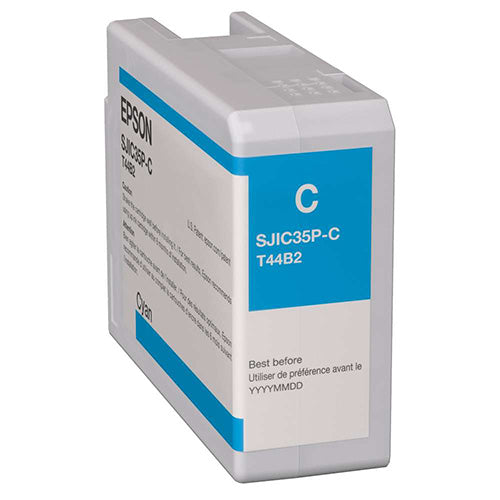
Epson C6000/C6500 Cyan Ink Cartridge
Regular price $59.00 USDSale price $59.00 USD Regular priceUnit price perSale Sold out -
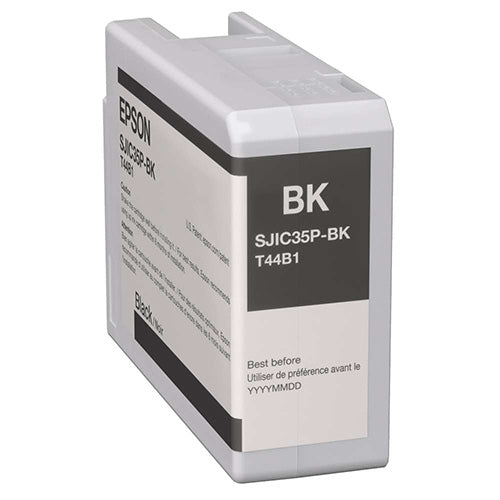
Epson C6000/C6500 Gloss Black Ink Cartridge
Regular price $59.00 USDSale price $59.00 USD Regular priceUnit price perSale Sold out -
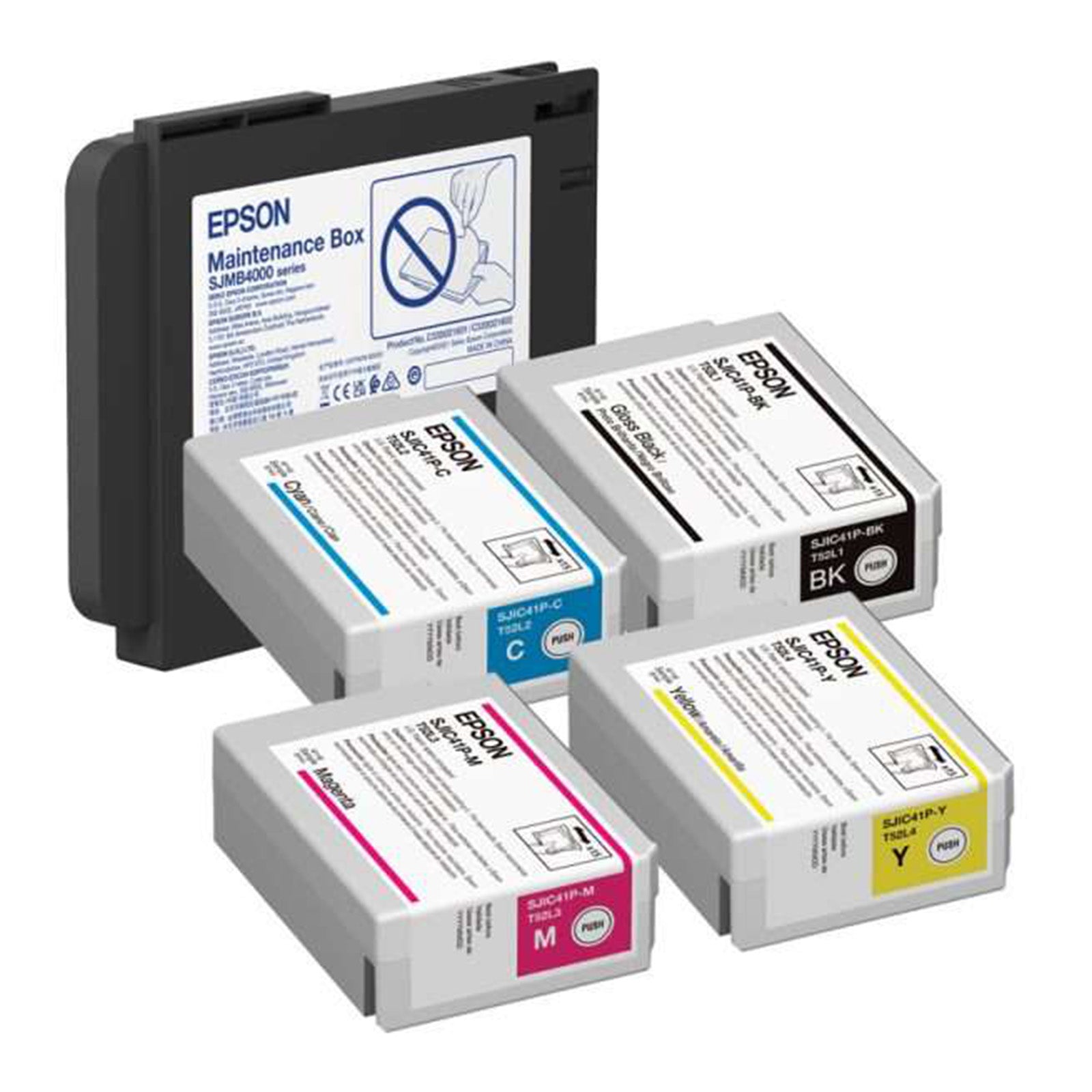
Epson C6000/C6500 Gloss Ink and Maintenance Box Bundle
Regular price $275.00 USDSale price $275.00 USD Regular priceUnit price perSale Sold out -
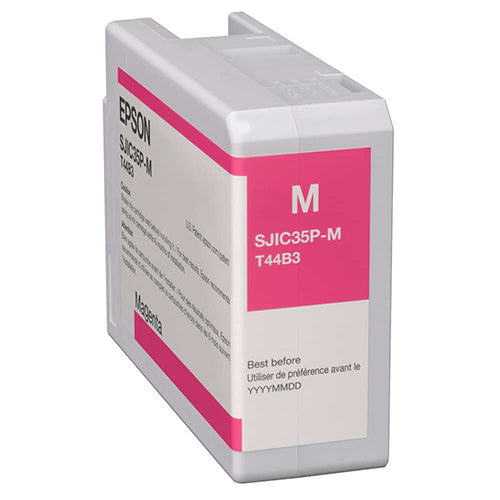
Epson C6000/C6500 Magenta Ink Cartridge
Regular price $59.00 USDSale price $59.00 USD Regular priceUnit price perSale Sold out
