

C6000A Label Printer with Auto Cutter
The Epson ColorWorks C6000A is a high-speed, on-demand color label printer designed for enterprise and regulatory applications, eliminating the need for pre-printed label inventory. User-friendly features like a touchscreen display, peel-and-present options, and automated workflow integration make the C6000A a powerful, cost-efficient solution for professional label printing.


Details +
Ability To Add COLOR To Your Mission Critical Label Printing
- First Printer Specifically Designed as a Color Upgrade to Black-Only Thermal Transfer Printers — Designed with similar media handling capabilities, speed, features, and connectivity options, all at a comparable price point
- Seamless Integration — Compatible with ZPL II, major middleware, SAP, Windows®, Mac®, and Linux
- Remote Printer Management — For managing large fleets over the network
- Applicator I/O Control Port for Automated Workflow — Supports I/O commands; can be integrated into nearly any workflow
Overview +
Epson ColorWorks C6000A: High-Performance Color Label Printing
The Epson ColorWorks C6000A Label Printer with Auto Cutter is a game-changer for enterprise and small-to-medium businesses, bringing full-color printing to mission-critical labeling. It eliminates the need for pre-printed label inventory, allowing you to create cost-effective, on-demand labels with vibrant colors while maintaining regulatory compliance. With 1200 dpi resolution, ZPL II compatibility, and seamless integration with SAP and enterprise systems, the C6000A is an ideal replacement for black-only thermal transfer printers.
Key Features:
✔ 4.25" Print Width – Perfect for product, regulatory, and shipping labels
✔ Auto Cutter – Ideal for fast, on-demand label printing
✔ High-Speed & Precision – Prints up to 5 inches per second with crisp 1200 dpi resolution
✔ Seamless Integration – Compatible with ZPL II, SAP, Windows®, Mac®, and Linux
✔ Remote Printer Management – Centralized fleet monitoring and automatic updates
✔ Durable Pigment Inks – Resistant to moisture, abrasion, and fading
Designed for Efficiency & Reliability
The C6000A is engineered for high-volume environments, from production floors to warehouses, ensuring minimal downtime and long-term dependability. Backed by Epson’s ExpressCare™ service, it offers onsite and extended warranty options for mission-critical operations.
On-Demand Color Printing Made Easy
With peel-and-present (C6000P) and auto-cutting (C6000A) options, the printer adapts to automated workflows, integrating with label applicators for seamless print-and-apply functionality. Its full-color touchscreen, remote monitoring capabilities, and easy media handling make it a user-friendly solution for businesses needing efficient, professional-grade labeling.
Maximize Productivity & Reduce Costs
The Epson C6000A helps businesses reduce label costs, streamline operations, and enhance branding with durable, high-quality color labels. Its fast-drying pigment inks and optional rewinder/unwinder systems make it a cost-effective alternative to pre-printed labels, giving you total control over your labeling process.
Specifications +
- Weight | 82 lbs
- Dimensions | 24 × 28 × 19 in
- PRINT METHOD | Serial inkjet PrecisionCore TFP
- INK TYPE | Pigment
- PRINT RESOLUTION | 300dpi – 1200dpi
- PRINT SPEED | Max Speed – 5ips
- PRINT WIDTH | 8.34" (212 mm)
- OPERATING SYSTEM | Windows 10, 8.1, 8, 7 SP1, Windows Vista® SP2, Windows Server® 2019, 2016, 2012 R2, 2012, 2008 R2, 2008, macOS® 10.6.8 or later, Linux
- BARCODE FONT | UPC-A, UPC-E, JAN13(EAN), JAN8(EAN), Code39, ITF, Codabar, Code93, Code128, GS1 -128, GS1 DataBar Omnidirectional, GS1 DataBar Truncated, GS1 DataBar Limited, GS1 DataBar Expanded
- INTERFACES | Ethernet 1000BASE-T/100BASE TX/10BASE-T USB 2.0
- MAX CONTINUOUS PRINT LENGTH | 24" (610 mm)
- MEDIA TYPES | COMPATIBLE WITH A WIDE RANGE OF PAPER, POLYESTER, POLYPROPYLENE, AND VINYL LABEL STOCKS
- MEDIA WIDTH | 1.0" (25 mm) – 8.5" (216 mm)
- MEDIA THICKNESS | .005" -.009" (0.129 mm -0.236 mm)
- MEDIA CORE DIAMETER | REQUIRES 3" (76.2MM) CARDBOARD CORE
- MEDIA SENSORS | GAP, CONTINUOUS, BLACK MARK
- MEDIA DIE-CUT LABEL GAP | 2 mm -6 mm
- MEDIA BLACK MARK SIZE | Min. 0.72" x 0.16" (18 mm x 4 mm)
- MAX DIE-CUT LABEL LENGTH | 12" (304.8MM)
- WARRANTY | One year depot repair
- WEIGHT | Printer: 57.3 lb (26.0 kg), Shipping: 81.6 lb (37.0 kg)
- OVERALL DIMENSIONS | Printer: 17.5" x 20.3" x 12.8" (444 mm x 515 mm x 326 mm), Shipping: 24" x 28" x 19" (610 mm x 710 mm x 480 mm)
- SOLUTIONS | Food Labels, GHS Labels, Hardware Product Labels, Regulatory & Compliance Solutions, Retail and Brand Labels
- INK TYPE | Gloss, Matte
True Black vs. Composite Black +
True black and composite black refer to different methods of creating black color in the printing process, and the differences between them can affect the final print output. Let's explore each concept:1. True Black
- Definition: True black is a pure, solid black color that is achieved using only the black ink in the printer.
- Printing Method: When you choose true black, the printer uses only the black ink cartridge to produce the darkest black possible.
- Advantages: Results in a deep and rich black color and consumes less ink because it only uses the black ink cartridge.
- Considerations: May result in a slightly cooler or neutral black compared to composite black.
2. Composite Black
- Definition: Composite black is created by combining multiple ink colors, typically cyan, magenta, yellow, and black (CMYK), to simulate a black color.
- Printing Method: When you choose composite black, the printer uses a combination of the CMYK inks to create a dark color that appears as black.
- Advantages: Can result in a more neutral or warm black, depending on the color balance and offers more flexibility in adjusting the color tone.
- Considerations: Consumes more ink as it uses a combination of colors to create the black shade. The richness of black may not match true black in terms of depth.
Choosing Between True Black and Composite Black on Epson Printers:
- Default Setting: Many printers default to composite black, as it provides more flexibility in color reproduction.
- Application: True black is often preferred for text and line art, where a crisp and deep black is essential. Composite black may be suitable for color photographs and graphics.
- Color Accuracy: If color accuracy is critical, especially in professional printing or graphic design, true black may be preferred for its predictability.
When printing on an Epson ColorWorks printer, you can typically find these options in the printer driver settings. Experiment with both true black and composite black settings to determine which one better suits your specific printing needs and preferences. Keep in mind that the optimal choice may depend on the type of content you are printing and your desired color outcome.
Consumables & Accessories
-
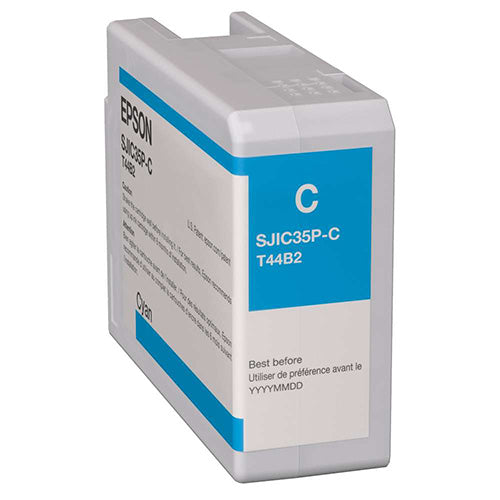
Epson C6000/C6500 Cyan Ink Cartridge
Regular price $59.00 USDSale price $59.00 USD Regular priceUnit price perSale Sold out -
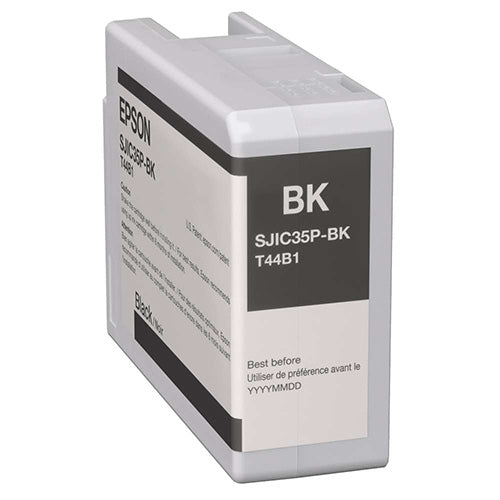
Epson C6000/C6500 Gloss Black Ink Cartridge
Regular price $59.00 USDSale price $59.00 USD Regular priceUnit price perSale Sold out -
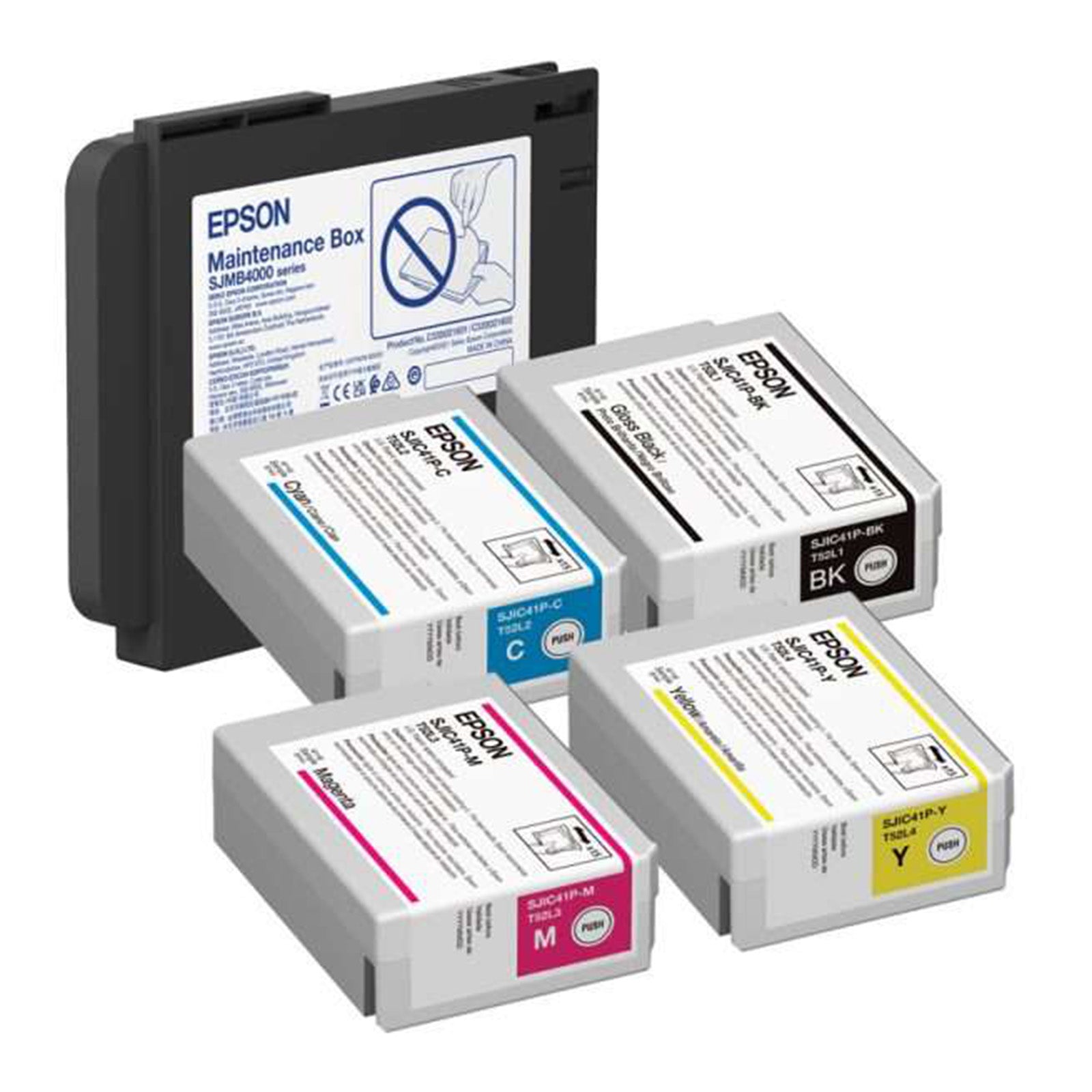
Epson C6000/C6500 Gloss Ink and Maintenance Box Bundle
Regular price $275.00 USDSale price $275.00 USD Regular priceUnit price perSale Sold out -
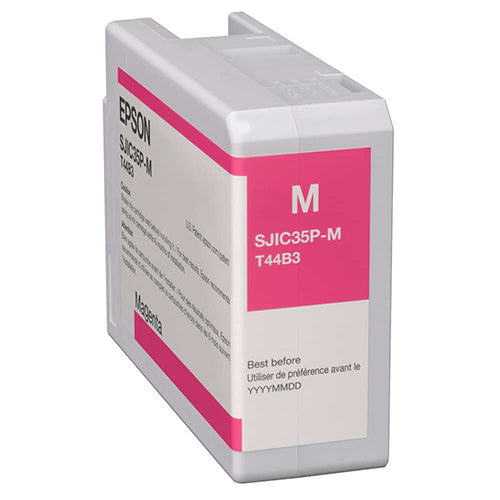
Epson C6000/C6500 Magenta Ink Cartridge
Regular price $59.00 USDSale price $59.00 USD Regular priceUnit price perSale Sold out
