

C6500P Label Printer Peeler
The Epson ColorWorks C6500P is a high-performance, on-demand color label solution built for speed, accuracy, and durability in demanding production environments. Featuring precision inkjet technology from Epson, it delivers vibrant, full-color labels at high volumes while the integrated peeler enables fast print-and-apply workflows with minimal handling. Ideal for manufacturing, logistics, and product labeling, the C6500P reduces downtime, eliminates pre-printed label waste, and keeps operations moving efficiently.


Details +
CMYK + White Label Printer
- Print at speeds up to 6 inches per second
- Create brilliant aesthetics using white toner
- Print on matte and high gloss media to produce extremely durable labels
- Print various label sizes up to 5″ with lengths up to 52″ long on the same device
- Print on clear, foil, colored, or white label materials
- Print stunning labels at 1200 x 1200 dpi resolution
- Print BS5609-compliant labels that withstand 90-day saltwater submersion, UV exposure, and abrasion testing
Overview +
🖨️ Epson ColorWorks C6500P Label Printer Peeler — Add Brilliant Color to Every Label
Transform your enterprise labeling system with the Epson ColorWorks C6500P.
This advanced inkjet label printer is engineered to bring full-color performance to your mission-critical printing — without disrupting your workflow or increasing costs. Designed as a direct color upgrade from traditional black-only thermal transfer printers, the C6500P allows you to eliminate pre-printed label inventory, enhance branding, and streamline compliance labeling — all while keeping your per-label costs low.
With Epson’s renowned PrecisionCore® technology, you’ll achieve rich, durable color at up to 1200 dpi resolution, producing professional-grade labels on demand for industries including GHS, manufacturing, logistics, and regulatory compliance.
✅ Key Features & Benefits
🎨 Designed as a Direct Upgrade to Thermal Transfer
Built with identical speed, media handling, and connectivity — making the switch to color effortless.
Comparable pricing to traditional thermal printers.
⚡ Enhanced Productivity
No need for pre-printed labels — print exactly what you need, when you need it.
Speeds up to 5 inches per second with rapid first-label output.
🔍 Superior Print Quality
Crisp, photo-quality labels with up to 1200 x 1200 dpi resolution.
Variable droplet sizes deliver sharp text, vivid images, and smooth gradients.
🔗 Seamless Integration
Fully compatible with ZPL II, major middleware, SAP, Windows®, Mac®, and Linux® systems.
Easy drop-in replacement for your current printer infrastructure.
🧾 Peel-and-Present Convenience
Comes standard with Epson’s Peel and Present feature — ideal for high-speed, on-demand labeling in industrial environments.
💰 Save Time and Reduce Costs
Reduce waste and inventory with on-demand color printing.
Durable, smudge-resistant inks ensure professional performance every time.
Specifications +
Weight & Dimensions
- Weight: 82 lbs
- Dimensions: 24" × 28" × 19"
Printer Specifications
- Print Method: Serial Inkjet PrecisionCore® TFP
- Ink Type: Pigment
- Print Resolution: 300 – 1200 dpi
- Print Speed: Up to 5 inches per second
- Print Width: 8.34" (212 mm)
- Maximum Continuous Print Length: 24" (610 mm)
- Operating Systems:
Windows® 10, 8.1, 8, 7 SP1, Vista® SP2
Windows Server® 2019, 2016, 2012 R2, 2012, 2008 R2, 2008
macOS® 10.6.8 or later, Linux® - Barcode Fonts Supported:
UPC-A, UPC-E, JAN13 (EAN), JAN8 (EAN), Code39, ITF, Codabar, Code93, Code128, GS1-128, GS1 DataBar (Omnidirectional, Truncated, Limited, Expanded) - Interfaces: Ethernet 1000BASE-T/100BASE-TX/10BASE-T, USB 2.0
Media Specifications
- Compatible Media Types: Paper, Polyester, Polypropylene, and Vinyl label stocks
- Media Width: 1.0" (25 mm) – 8.5" (216 mm)
- Media Thickness: 0.005" – 0.009" (0.129 mm – 0.236 mm)
- Core Diameter: Requires 3" (76.2 mm) cardboard core
- Sensors: Gap, Continuous, Black Mark
- Die-Cut Label Gap: 2 mm – 6 mm
- Black Mark Size: Minimum 0.72" × 0.16" (18 mm × 4 mm)
- Maximum Die-Cut Label Length: 12" (304.8 mm)
General Information
- Warranty: One-year depot repair
- Printer Weight: 57.3 lb (26.0 kg)
- Shipping Weight: 81.6 lb (37.0 kg)
- Printer Dimensions: 17.5" × 20.3" × 12.8" (444 mm × 515 mm × 326 mm)
- Shipping Dimensions: 24" × 28" × 19" (610 mm × 710 mm × 480 mm)
- Available Ink Types: Gloss, Matte
True Black vs. Composite Black +
True black and composite black refer to different methods of creating black color in the printing process, and the differences between them can affect the final print output. Let's explore each concept:1. True Black
- Definition: True black is a pure, solid black color that is achieved using only the black ink in the printer.
- Printing Method: When you choose true black, the printer uses only the black ink cartridge to produce the darkest black possible.
- Advantages: Results in a deep and rich black color and consumes less ink because it only uses the black ink cartridge.
- Considerations: May result in a slightly cooler or neutral black compared to composite black.
2. Composite Black
- Definition: Composite black is created by combining multiple ink colors, typically cyan, magenta, yellow, and black (CMYK), to simulate a black color.
- Printing Method: When you choose composite black, the printer uses a combination of the CMYK inks to create a dark color that appears as black.
- Advantages: Can result in a more neutral or warm black, depending on the color balance and offers more flexibility in adjusting the color tone.
- Considerations: Consumes more ink as it uses a combination of colors to create the black shade. The richness of black may not match true black in terms of depth.
Choosing Between True Black and Composite Black on Epson Printers:
- Default Setting: Many printers default to composite black, as it provides more flexibility in color reproduction.
- Application: True black is often preferred for text and line art, where a crisp and deep black is essential. Composite black may be suitable for color photographs and graphics.
- Color Accuracy: If color accuracy is critical, especially in professional printing or graphic design, true black may be preferred for its predictability.
When printing on an Epson ColorWorks printer, you can typically find these options in the printer driver settings. Experiment with both true black and composite black settings to determine which one better suits your specific printing needs and preferences. Keep in mind that the optimal choice may depend on the type of content you are printing and your desired color outcome.
Consumables & Accessories
-
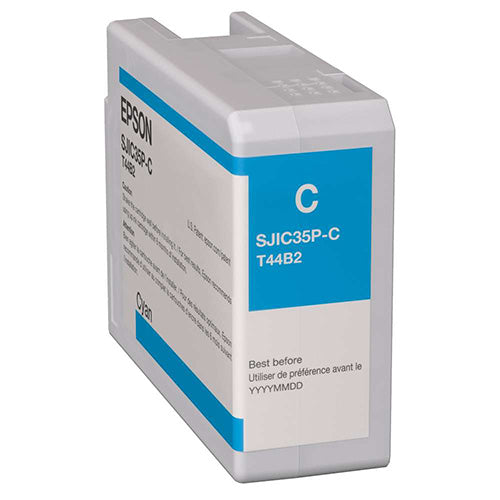
Epson C6000/C6500 Cyan Ink Cartridge
Regular price $59.00 USDSale price $59.00 USD Regular priceUnit price perSale Sold out -
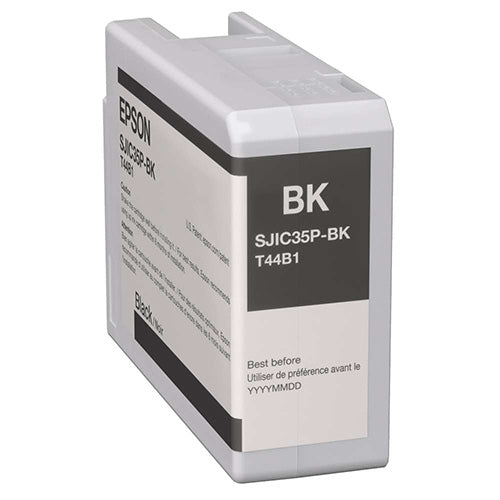
Epson C6000/C6500 Gloss Black Ink Cartridge
Regular price $59.00 USDSale price $59.00 USD Regular priceUnit price perSale Sold out -
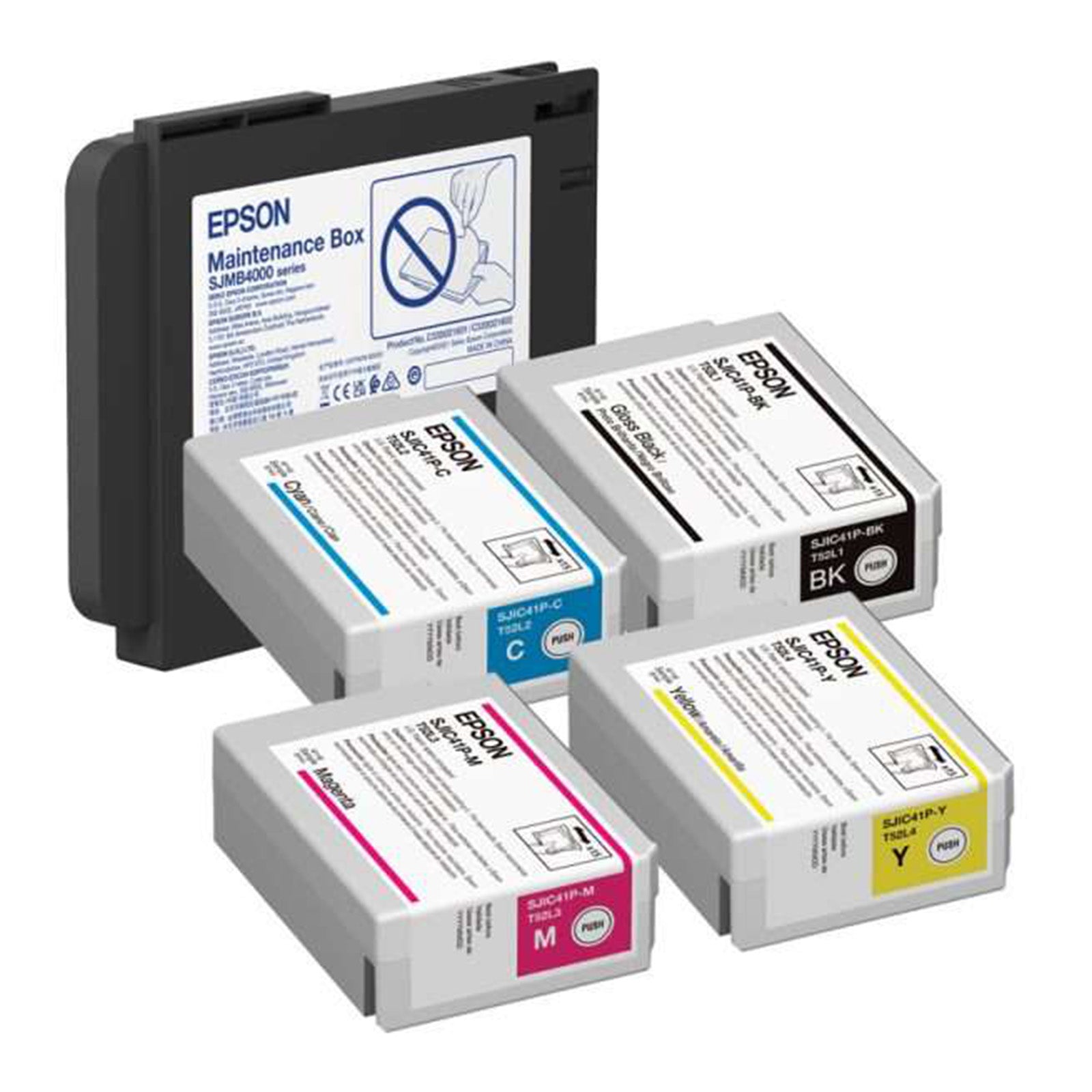
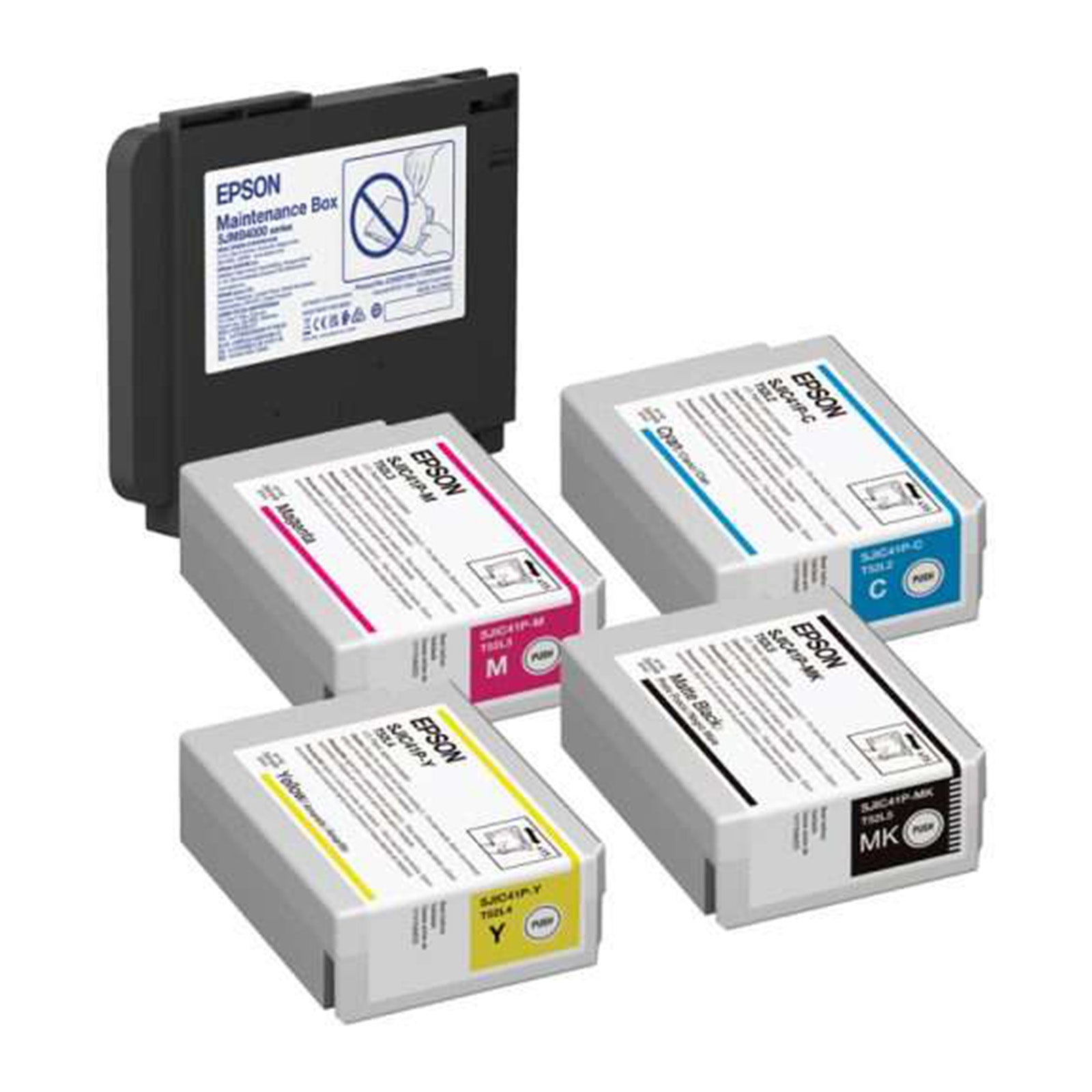
Epson C6000/C6500 Gloss Ink and Maintenance Box Bundle
Regular price $275.00 USDSale price $275.00 USD Regular priceUnit price perSale Sold out -
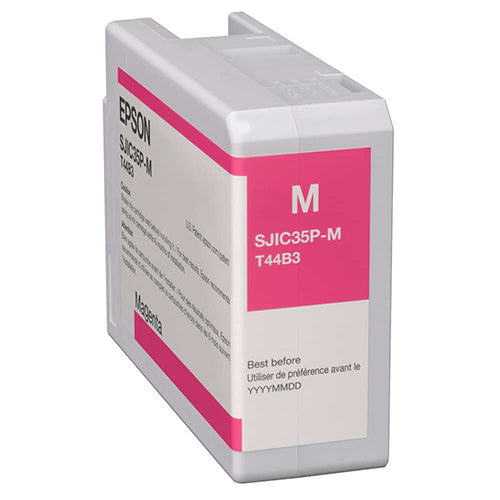
Epson C6000/C6500 Magenta Ink Cartridge
Regular price $59.00 USDSale price $59.00 USD Regular priceUnit price perSale Sold out
