

C4000 Color Printer
The Epson ColorWorks C4000 is a powerful, on-demand color label printer, perfect for small businesses needing professional-quality labels without the hassle. Designed for cost-effective, in-house printing, it delivers high-speed, full-color labels with precision and efficiency.
With CMYK printing at speeds of up to 4 inches per second, the C4000 helps reduce label costs, improve workflow, and produce durable, vibrant labels for supply chain compliance, food packaging, and nutraceutical products.


Details +
C4000: Compact, High-Performance Label Printing
✔ WiFi Connectivity for seamless integration
✔ Fast printing speeds for improved productivity
✔ Larger ink tanks for cost-efficient operation
Overview +
Epson ColorWorks C4000: High-Quality, Versatile Label Printing
The Epson ColorWorks C4000 delivers ultra-sharp text, precise barcodes, and vibrant colors using Epson’s PrecisionCore® TFP® printhead technology. With 1200 x 1200 dpi resolution and variable droplet sizes, it produces smooth gradients, fine details, and exceptional image clarity—ideal for both complex informational labels and high-quality product labels.
Key Features:
✔ Spot Color Correction – ICC color profiles, RGB spot color substitution, and driver-based color adjustments for precise color control
✔ Exceptional Image Quality – Crisp, photo-quality prints with up to 1200 dpi resolution
✔ Seamless Integration – Compatible with ZPL II, SAP, Windows®, Mac®, and Linux for easy setup
✔ Durable Labels – Meets BS-5609 certification for chemical and industrial applications
✔ Compact & Robust – Dust- and water-resistant design, perfect for high-duty-cycle environments
✔ Cost-Effective – Competitive with traditional thermal transfer printers
✔ Remote Printer Management – Easily manage multiple printers over a network with automated alerts, firmware updates, and usage reports
✔ Enhanced Productivity – Eliminates preprinting with fast 4-inch-per-second speeds and quick media/ink loading
✔ User-Friendly – Color LCD screen and automatic Nozzle Verification Technology for smooth operation
Optimized for Business & Events
The Epson C4000 is perfect for event badges, food labels, and product packaging, providing crisp, professional-quality prints for any application. C4 Label Solutions offers expert support and materials to help you find the best solution for your next conference or seminar.
Seamless Integration with ESC/Label & ZPL II
With ZPL II compatibility, the C4000 enables businesses to upgrade to Epson inkjet technology without reprogramming existing systems. ESC/Label extensions unlock color-coded fields, product images, logos, and marketing elements, improving workflow efficiency and brand presentation.
Remote Management for Enterprise Use
Designed for large-scale operations, the C4000 includes remote management tools for IT teams, enabling mass configuration, automatic alerts, firmware updates, and detailed usage reports.
Gloss & Matte Ink Options
Choose from gloss or matte pigment-based inks to match your label application:
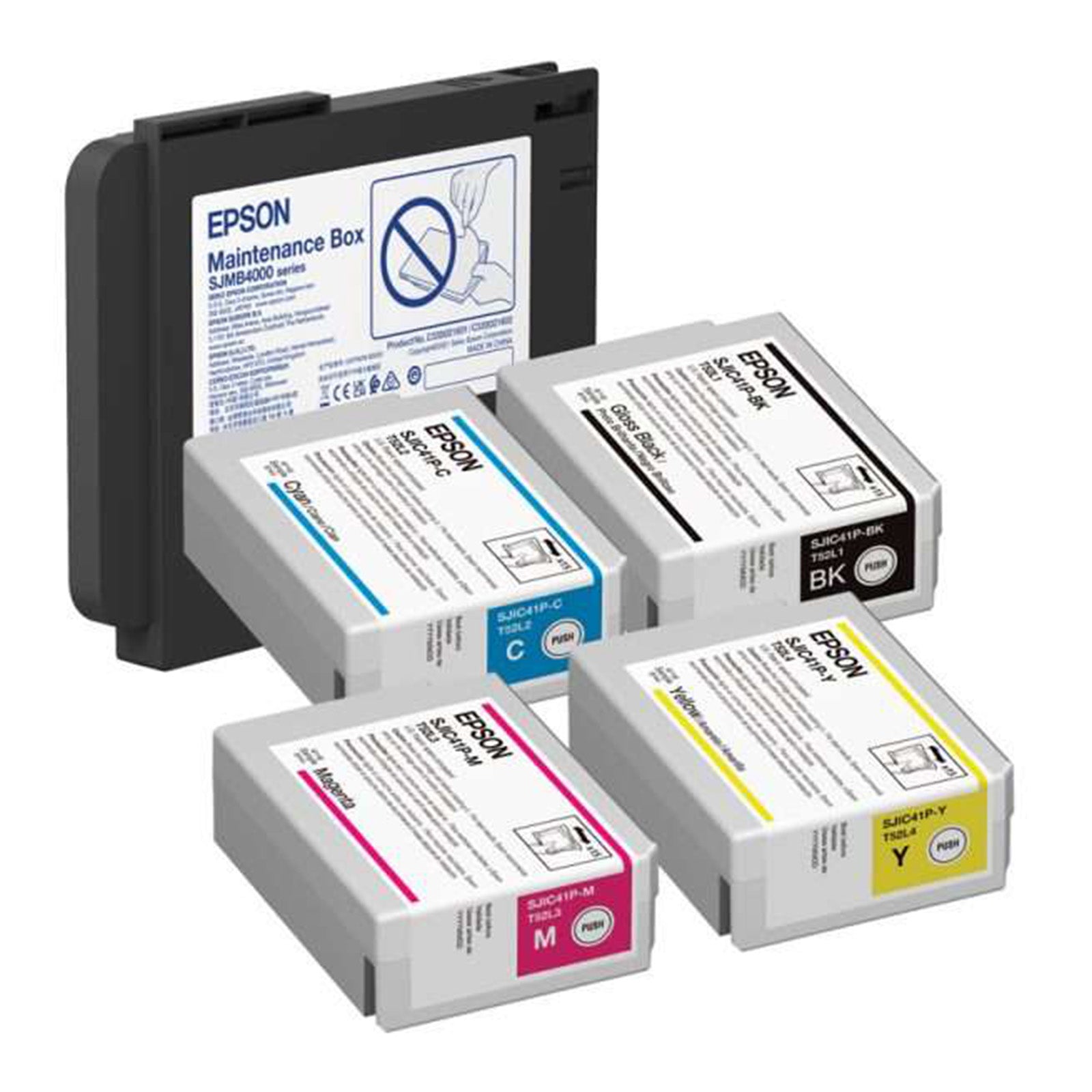
✔ Gloss black ink prints on a wider variety of substrates
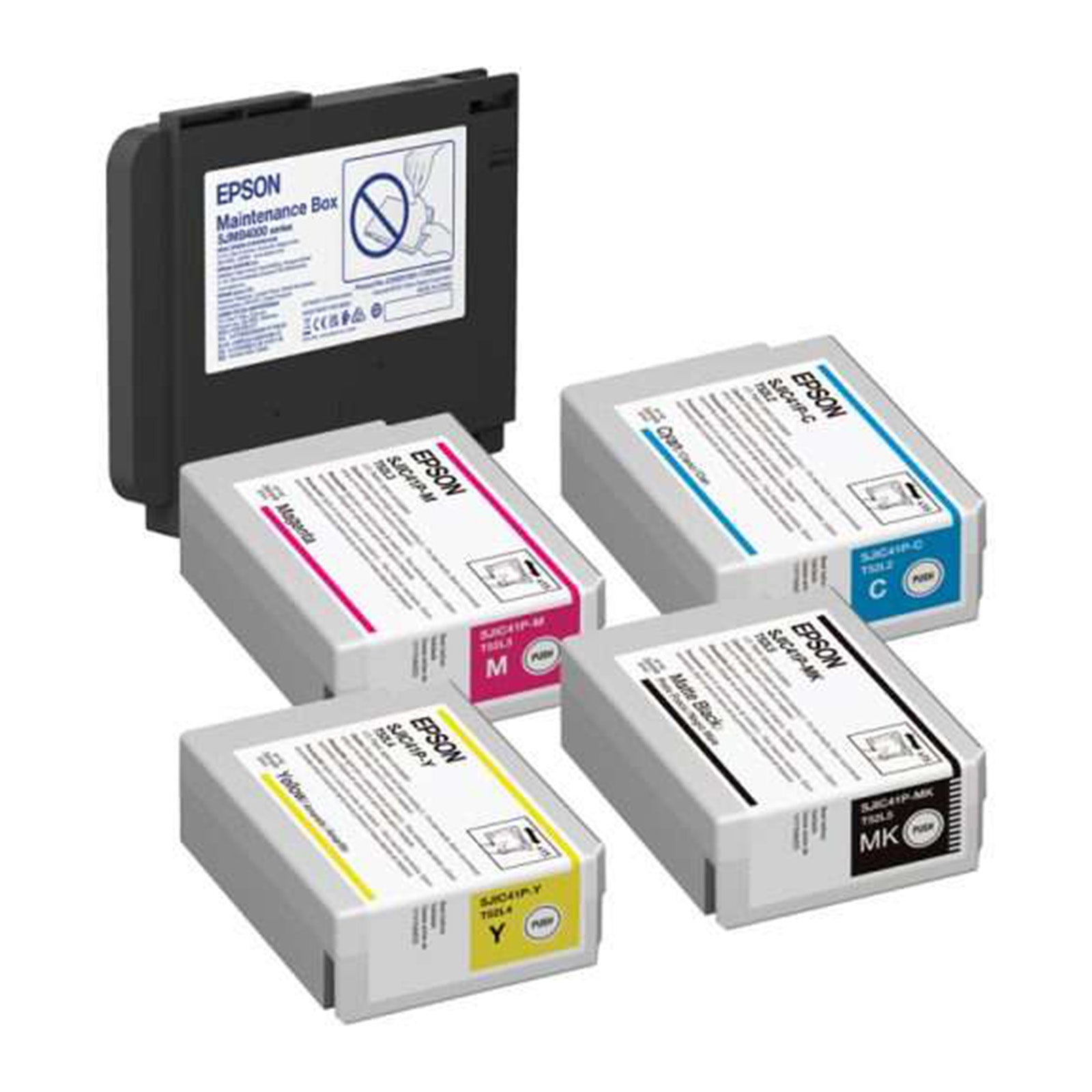
✔ Matte black ink offers darker, sharper text and images on matte media
✔ Both versions are BS5609 certified for superior durability
The Epson ColorWorks C4000 combines exceptional print quality, advanced features, and seamless integration, making it a powerful solution for in-house label production.
Specifications +
- Weight | 28.7 lbs
- Dimensions | 12.2 × 11.1 × 11.2 in
- INK TYPE | UltraChrome® DL pigment ink
- MEDIA TYPES | Plain paper, Matte paper, Synthetic label, Gloss paper, Gloss film, Wristband
- MAX CONTINUOUS PRINT LENGTH | 16" (406.4 mm)
- MEDIA THICKNESS | 0.0033" – 0.009" (0.084mm – 0.229mm)
- PRINT SPEED | 0.31 ips – 3.94 ips
- PRINT RESOLUTION | 300dpi – 1200dpi
- PRINT WIDTH | 4.25" (108 mm) max
- BARCODE FONT | UPC-A, UPC-E, JAN13(EAN), JAN8(EAN), Code39, ITF, Codabar, Code93, Code128, GS1-128, GS1 DataBar Omnidirectional, GS1 DataBar Truncated, GS1 DataBar Limited, GS1 DataBar Expanded
- 2-DIMENSIONAL CODE PRINTING | PDF417, QR Code, Maxi Code, GS1 DataBar Stacked, GS1 DataBar Stacked Omnidirectional, GS1 DataBar Expanded Stacked, DataMatrix, Aztec Code, MicroPDF417, Micro QR Code
- OVERALL DIMENSIONS | 12.2" x 11.1" x 11.2"
- WEIGHT | 13 kg/ 28.7 lbs
- OPERATING SYSTEM | Window, MacOS and Linux Drivers
- SOLUTIONS | Food Labels, Nutraceutical Labels, Regulatory & Compliance Solutions, Supply Chain & Compliance
- INK TYPE | Gloss, Matte
True Black vs. Composite Black +
True Black vs. Composite Black in Printing
True black and composite black are two different approaches to producing black in printing, and each can impact the final appearance of your output.
True Black
Definition: True black is produced using only the black ink cartridge.
How It Prints: The printer relies exclusively on black ink to create a solid, dark black.
Benefits: Delivers a deep, clean black while using less ink, making it more efficient.
Considerations: The tone may appear slightly cooler or more neutral compared to composite black.
Composite Black
Definition: Composite black is created by blending cyan, magenta, yellow, and black (CMYK) inks to simulate black.
How It Prints: The printer mixes multiple color inks to achieve a darker, richer black appearance.
Benefits: Can produce a warmer or more neutral black and allows greater flexibility in color tone adjustments.
Considerations: Uses more ink due to multiple colors and may not always match the depth of true black.
Choosing Between True Black and Composite Black on Epson Printers
Default Behavior: Many Epson printers default to composite black for broader color flexibility.
Best Use Cases:
True Black is ideal for text, barcodes, and line art where sharp, crisp black is critical.
Composite Black works well for photos and graphics where tonal blending matters.
Color Accuracy: For predictable, consistent results—especially in professional or design-focused printing—true black is often preferred.
On Epson ColorWorks printers, these options are typically found in the printer driver settings. Testing both modes can help you determine which produces the best results for your specific content, media type, and desired visual outcome.
If you want, I can condense this into a short technical summary, marketing-friendly version, or quick reference guide for customers or sales materials.
Consumables & Accessories
-
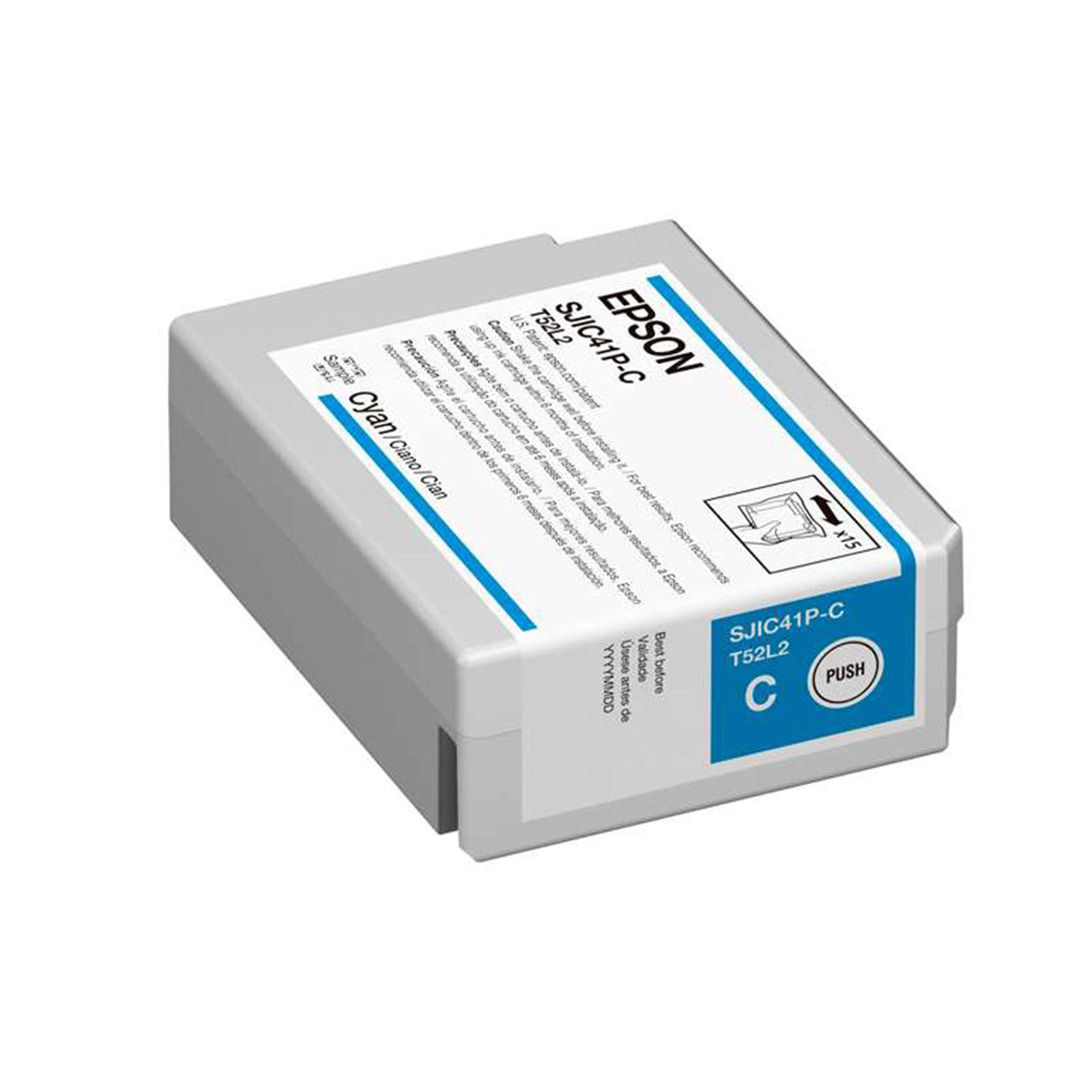
Epson C4000 Cyan Ink Cartridge
Regular price $39.00 USDSale price $39.00 USD Regular priceUnit price perSale Sold out -
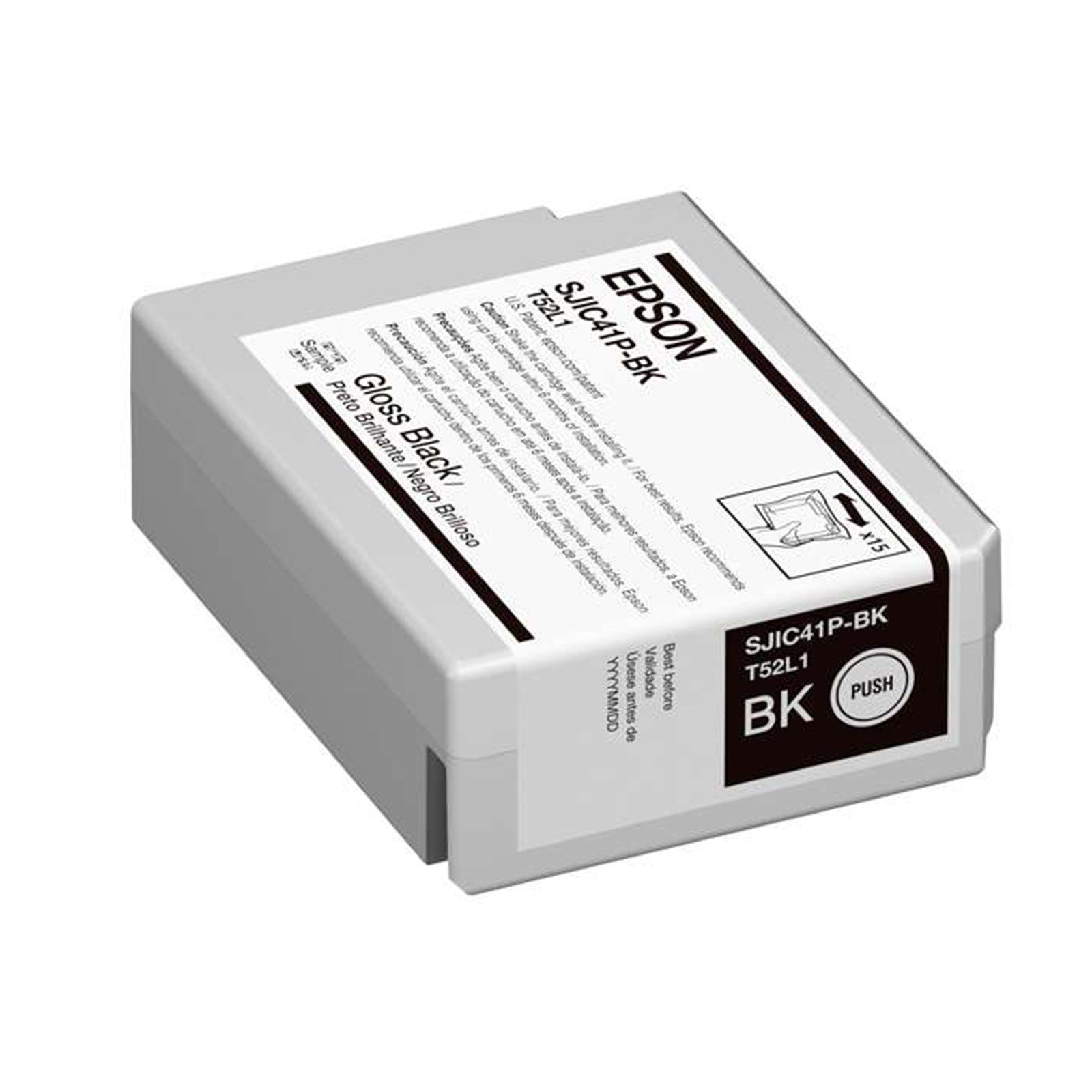
Epson C4000 Gloss Black Ink Cartridge
Regular price $39.00 USDSale price $39.00 USD Regular priceUnit price perSale Sold out -
Epson C4000 Gloss Ink and Maintenance Box Bundle
Regular price $195.00 USDSale price $195.00 USD Regular priceUnit price perSale Sold out -
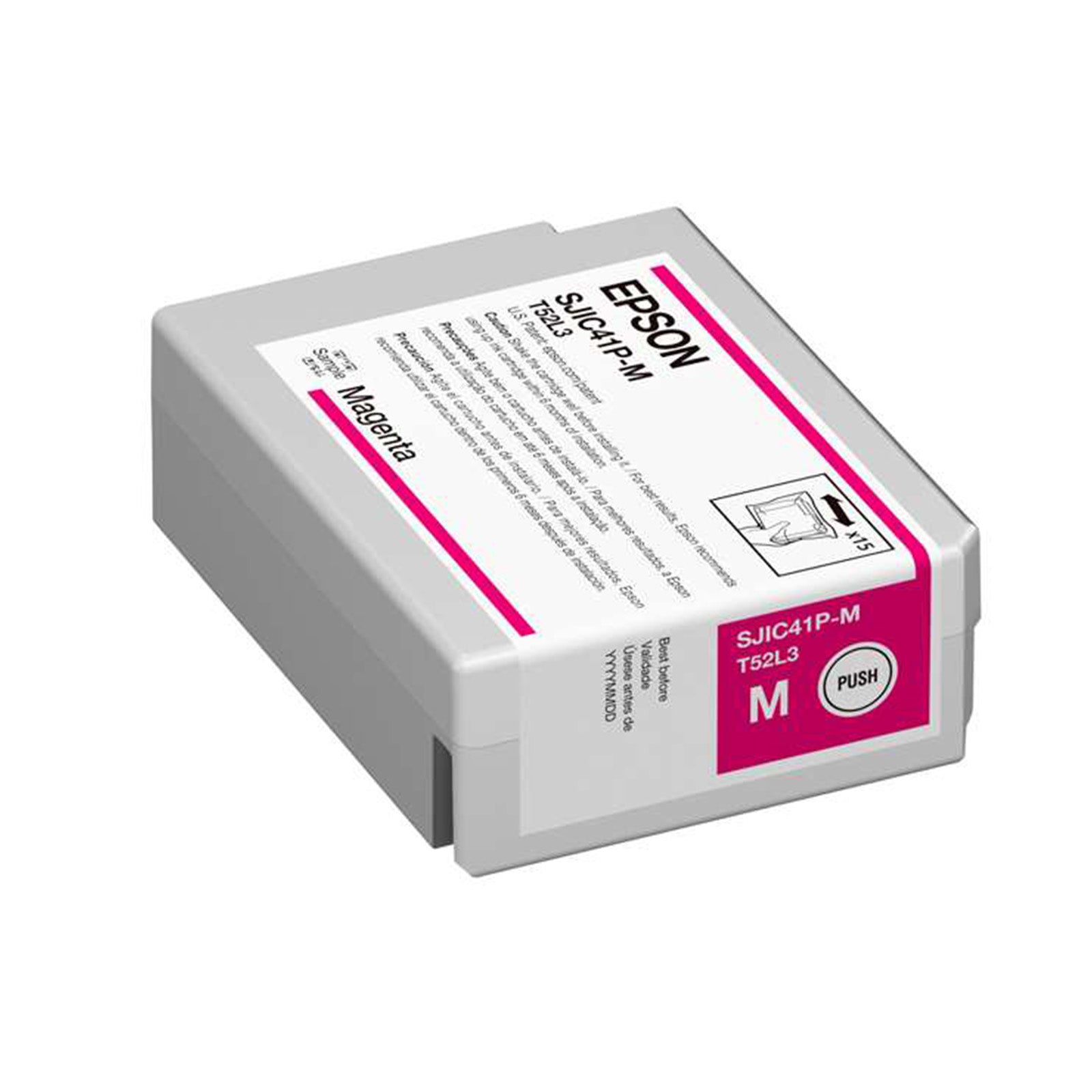
Epson C4000 Magenta Ink Cartridge
Regular price $39.00 USDSale price $39.00 USD Regular priceUnit price perSale Sold out
