

C8000g Label Printer (GLOSS)
Do Labels Differently™ with the ColorWorks® CW-C8000g color label printer. Purpose-built for mid- to high-volume batch runs in on-demand environments, this powerful printer features advanced PrecisionCore® Heat-Free technology—combining exceptional image quality and sharp precision at incredible speeds.


Details +
Fast, High-Quality On-Demand Color Label Printing for High-Volume Runs
- Efficient Color Label Printing: Perfect for mid-to-high-volume batch printing, the system delivers high-speed, on-demand color labels with variable data, reaching speeds of up to 12 inches per second.
- Reliable Performance: Epson ColorWorks printers feature PrecisionCore technology for dependable performance, making them ideal for demanding applications. With a permanent printhead, you’ll experience fewer interruptions and enjoy lower maintenance costs.
- Advanced Connectivity and Management Tools: Seamlessly integrate large fleets of printers with Epson Cloud Solution PORT. Enjoy cloud printing and optional Wi-Fi, along with advanced remote management capabilities.
- Enhanced Fleet Productivity: With Epson Cloud Solution PORT3, you can remotely manage printer status, ink levels, and operation history, boosting productivity across your fleet.
- Streamlined Workflow Integration: C8000g printers are compatible with various platforms and languages, including ZPL II®, major middleware, SAP, Windows, Mac, and Linux, featuring built-in ESC/Label® language for seamless integration into your workflow.
- Durable Labels: Utilizing UltraChrome DL ink technology, Epson Colorworks printers produce durable, high-quality labels resistant to smudging, smearing, and fading.
- Efficient and Eco-friendly: Experience high efficiency and low power consumption with PrecisionCore Heat-Free technology, reducing ink and energy usage.
- Comprehensive Service and Support: Benefit from world-class service and support, including a 1-year limited warranty, with the option to extend coverage for up to 5 years through Epson’s extended service plans
Overview +
How Does the Epson ColorWorks C8000 Compare to the Epson C7500G?
Here are some key differences between the C7500G and the C8000 based on what we know so far:
- The C7500G and C8000 both print at 12 inches per second or roughly 59 feet per minute.
- The Epson C8000 has a 1.9 liter total ink capacity — a 60% increase over the Epson C7500G’s 1.1781 liters.
- The C8000 will have a color screen, which is an improvement over the monochrome LCD interface for the C7500G.
- The Epson ColorWorks C8000 will have improved connectivity with Epson Cloud Solution PORT, cloud printing, and optional Wi-Fi.
How Does the Epson ColorWorks CW-C8000 Compare to the Epson C6500A?
Here are some key differences between the C6500A and the C8000 based on what we know so far:
- The C8000 prints significantly faster than the Epson C6500A. The earlier model from the 6500 series prints at 29 feet per minute which is significantly slower than the blazing-fast Epson CW-C8000.
- The Epson C8000’s ink cartridges are more than twice the size of the Epson C6500A.
- Both the CW-8000 and the C6500A have color screens you can use to interact with the machine.
- Both are Windows, Mac, and Linux Compatible
If you’ve been on the fence about whether it’s time to upgrade or replace your color label printer, the Epson ColorWorks CW-C8000 could provide the nudge you’re looking for. With a 60% increase in total ink capacity, you won’t just be printing faster, you’ll be printing longer as well. Simply put, the ColorWorks C8000, is the best label printer Epson has ever made and will make a great addition to your enterprise.
Specifications +
Additional information
Weight | 78 lbs
Dimensions | 25 × 16 × 17 in
PRINT METHOD | Line inkjet printer
INK TYPE | Pigment
PRINT SPEED | Max. 300 mm/sec at 600 x 1,200 DPI
PRINT WIDTH | max. 108 mm
MEDIA TYPES | Continuous label, Die-cut label, Black mark label
MEDIA WIDTH | Min 25 mm, Max 112 mm
OVERALL DIMENSIONS | 25in x 16in x 17in (Width x Depth x Height)
WEIGHT | Weight (without ink) Approx: 78 lb (35 kg)
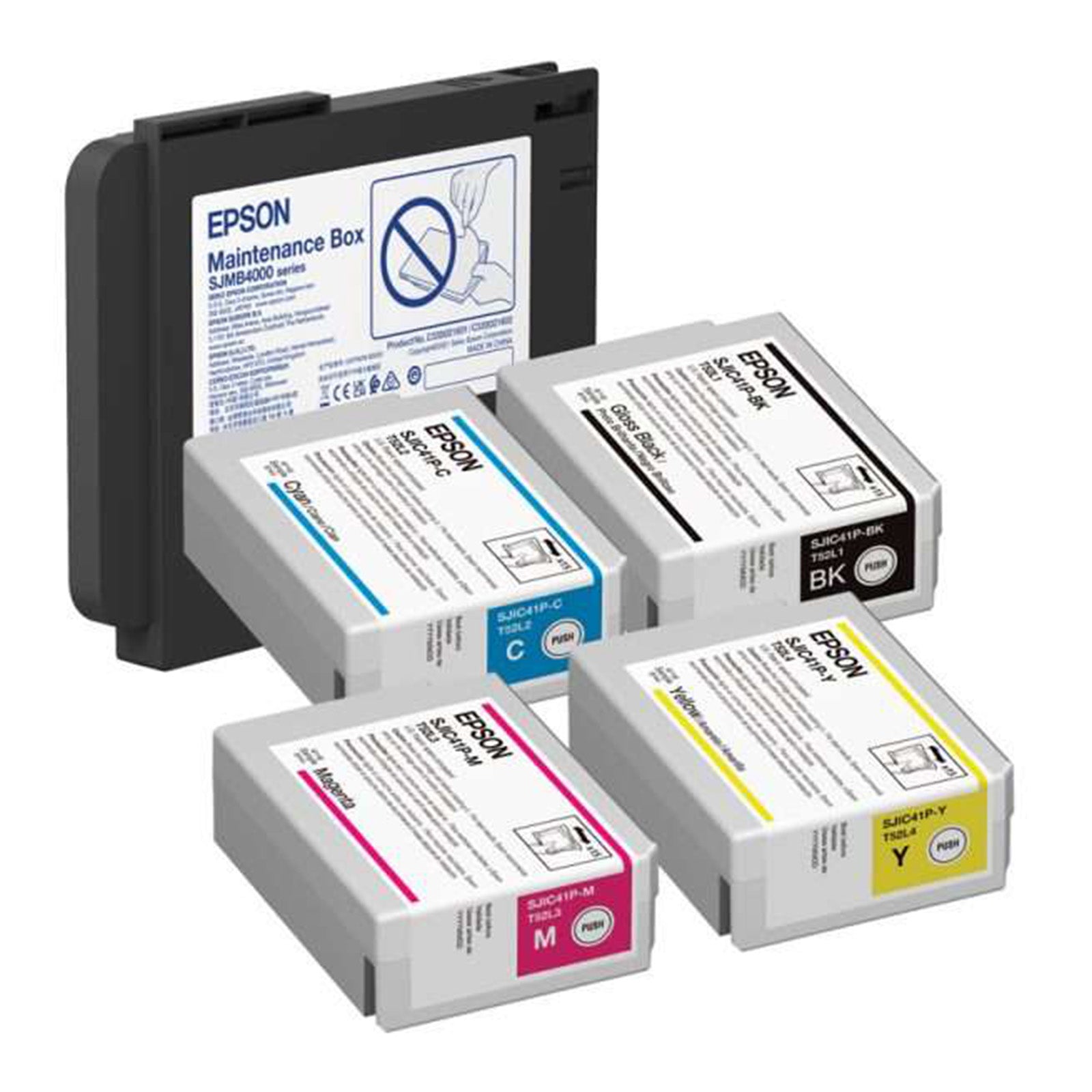
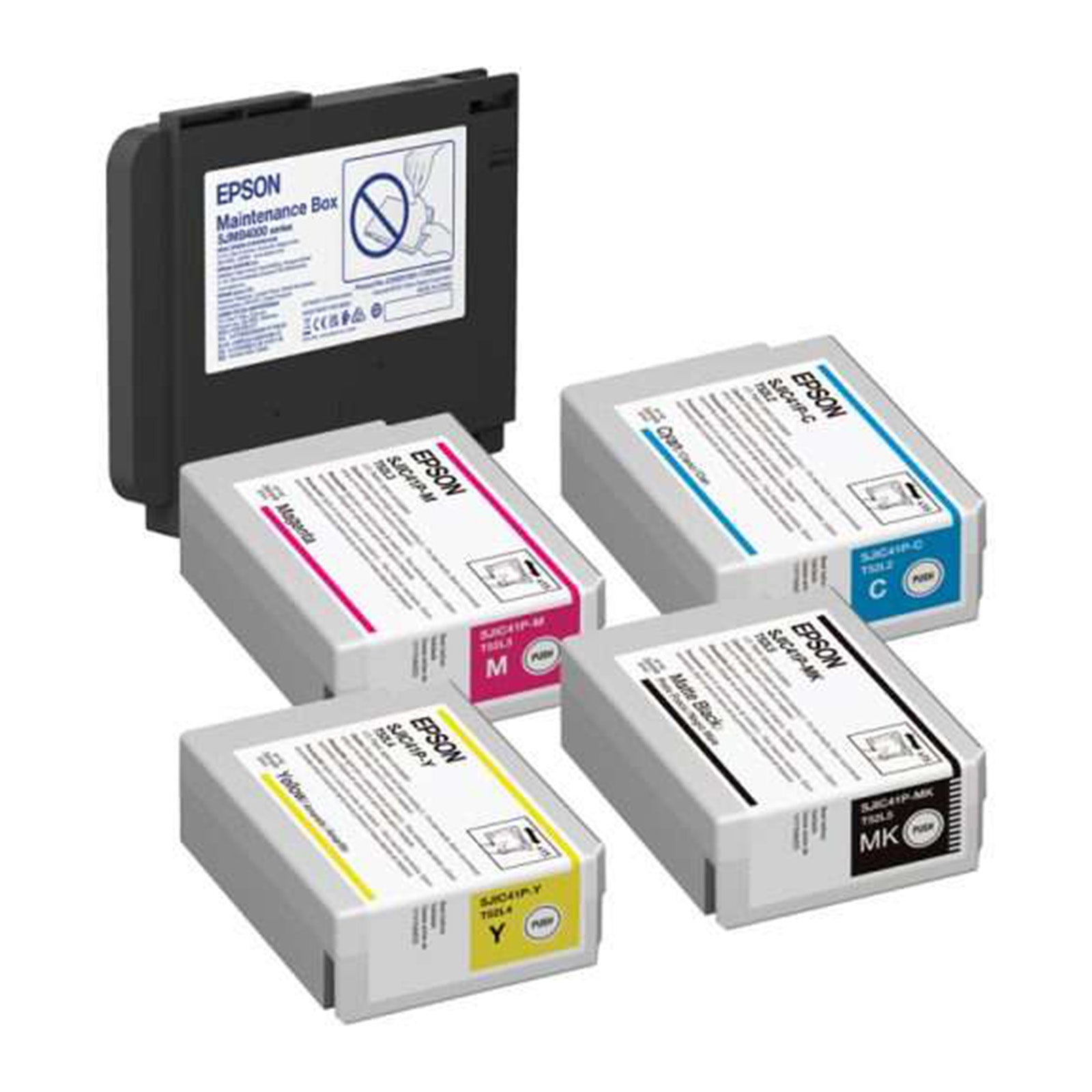
INK TYPE | Matte, Gloss
True Black vs. Composite Black +
True black and composite black refer to different methods of creating black color in the printing process, and the differences between them can affect the final print output. Let's explore each concept:1. True Black
- Definition: True black is a pure, solid black color that is achieved using only the black ink in the printer.
- Printing Method: When you choose true black, the printer uses only the black ink cartridge to produce the darkest black possible.
- Advantages: Results in a deep and rich black color and consumes less ink because it only uses the black ink cartridge.
- Considerations: May result in a slightly cooler or neutral black compared to composite black.
2. Composite Black
- Definition: Composite black is created by combining multiple ink colors, typically cyan, magenta, yellow, and black (CMYK), to simulate a black color.
- Printing Method: When you choose composite black, the printer uses a combination of the CMYK inks to create a dark color that appears as black.
- Advantages: Can result in a more neutral or warm black, depending on the color balance and offers more flexibility in adjusting the color tone.
- Considerations: Consumes more ink as it uses a combination of colors to create the black shade. The richness of black may not match true black in terms of depth.
Choosing Between True Black and Composite Black on Epson Printers:
- Default Setting: Many printers default to composite black, as it provides more flexibility in color reproduction.
- Application: True black is often preferred for text and line art, where a crisp and deep black is essential. Composite black may be suitable for color photographs and graphics.
- Color Accuracy: If color accuracy is critical, especially in professional printing or graphic design, true black may be preferred for its predictability.
When printing on an Epson ColorWorks printer, you can typically find these options in the printer driver settings. Experiment with both true black and composite black settings to determine which one better suits your specific printing needs and preferences. Keep in mind that the optimal choice may depend on the type of content you are printing and your desired color outcome.